 cadraTV
An Xtream Codes player for Windows
Did your subscription give you a server, a username and a password? Cadra TV reads them on your computer: channels, movies, series and program guide.
1. What is Xtream Codes?
Xtream Codes is a way for a provider to give access to its catalog without a file to download: three pieces of information are enough.
- The server: the provider's web address;
- The username;
- The password.
They come from your provider. Cadra TV does not provide any content: it is a player, which you use only with sources you have the right to watch. If your provider gave you a link ending in .m3u instead, that is an M3U playlist: Cadra TV reads it too (see play an M3U playlist).
2. Install Cadra TV
Download the installer from the Download page, then follow the Windows guide: Windows may show a SmartScreen warning, normal for a recent application, and the guide explains what to do. The video player is included, there is nothing else to install.
3. Enter your credentials
Open settings
On first launch, click Add my playlist. Later, click the ⚙ gear at the top right of the window.
Choose the Xtream Codes tab
In Playlists, choose Add a playlist, then the Xtream Codes tab. Fill in Server, Username and Password, exactly as your provider gave them to you.
Connect
Click Connect and import. A progress bar counts the entries received. A large list can have tens of thousands of channels and movies: the first time, allow a minute or two. Later loads are almost instant.
Do you also have a TV? Enter the source once at cadra.tv/compte (My sources → Add), then link your devices: it arrives everywhere. The Cadra Account is free and optional, and your data is end-to-end encrypted.
4. What you get
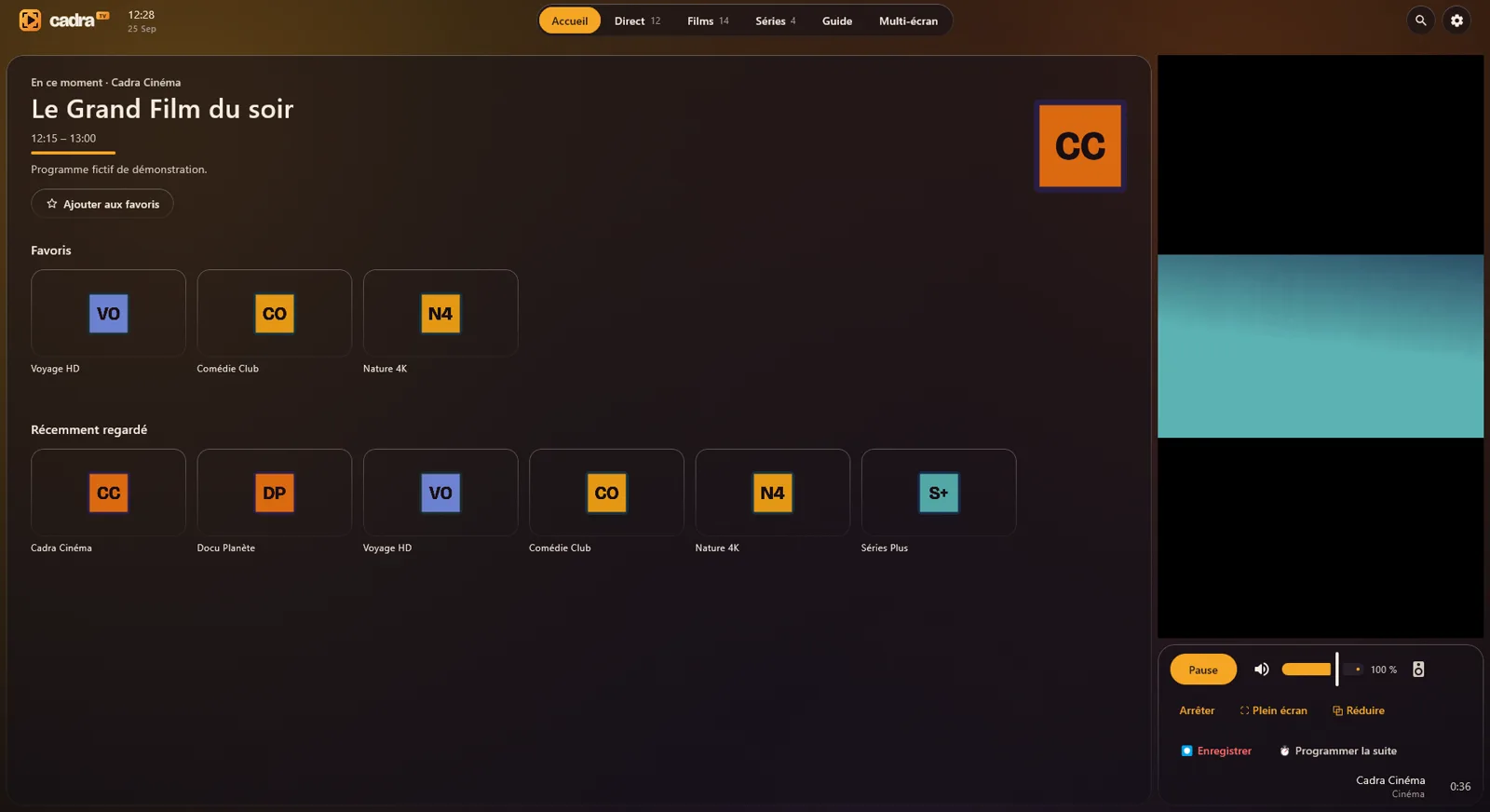
- Live TV, Movies and Series sorted by category, with a field to filter them and a search that covers everything.
- The program guide, found on its own from your server: in Live TV, click Download next to TV guide. Details in add an XMLTV guide.
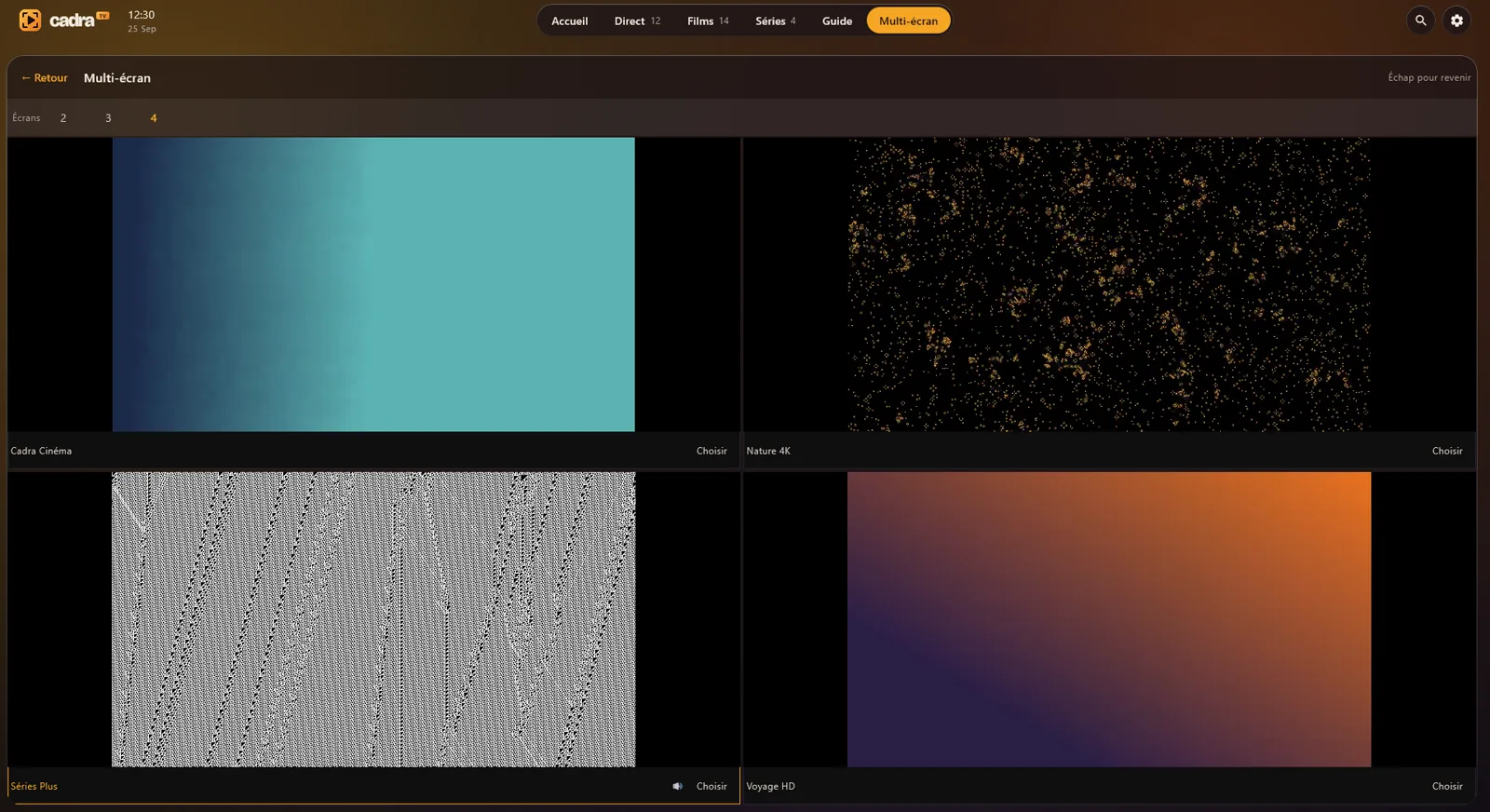
- Multiview: up to four channels at once.
- Favorites and resume, and automatic next episode for series.
5. It won't connect?
- Credentials refused. Retype them without extra spaces, respecting upper and lower case. Also check that your subscription is still active.
- Server not found. Check the server address and the computer's Internet connection.
- Too many devices. Some subscriptions limit how many devices can watch at the same time: close one, then try again.
Other questions: the FAQ, or bonjour@cadra.tv. Never send us your password.
Read next
- Getting started on Windows: the guide, multiview, keyboard shortcuts.
- Download Cadra TV