 cadraTV
Install on Android TV
Cadra TV is not on the Google Play Store. It installs with the free Downloader app and takes about five minutes.
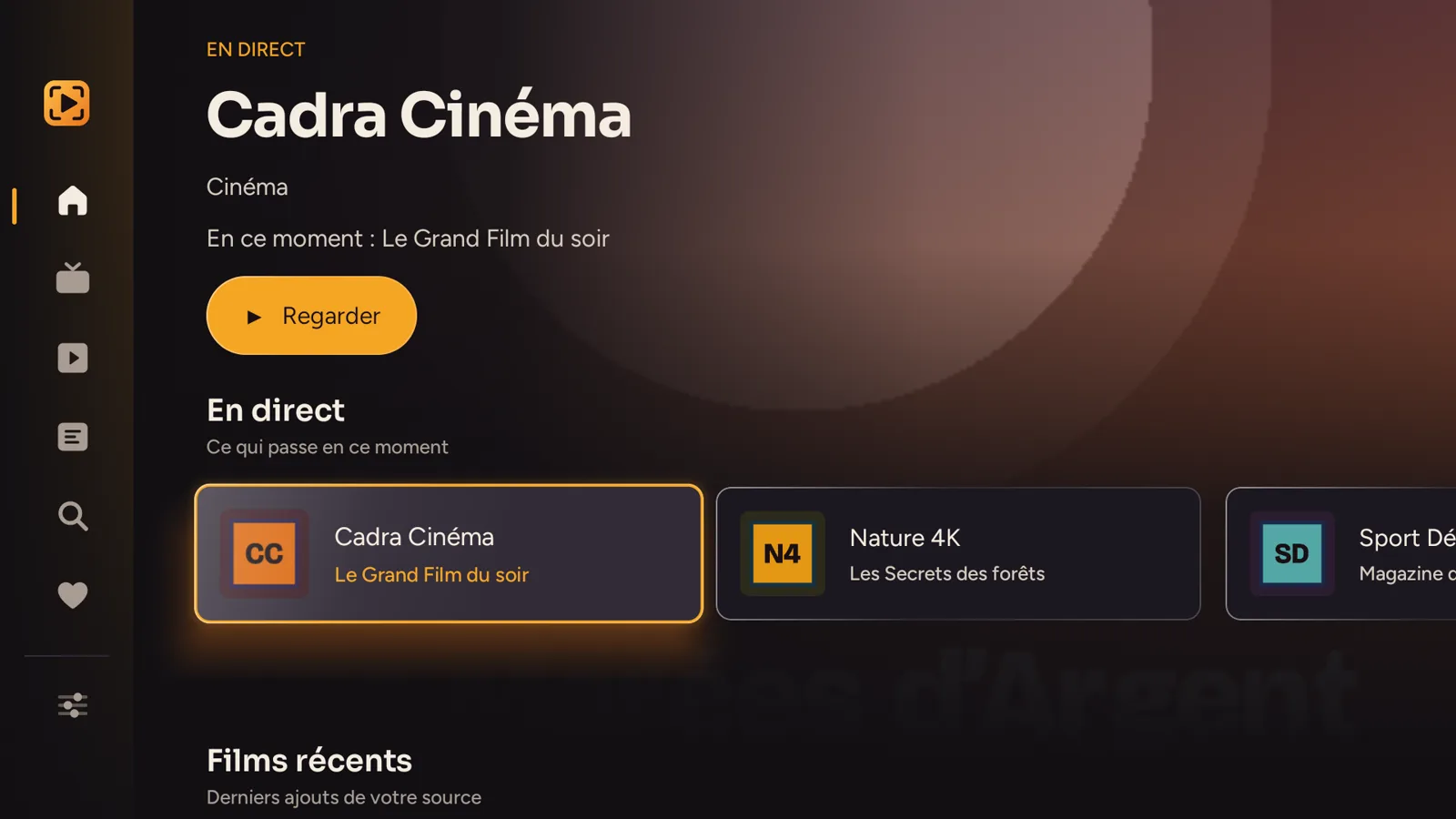
Which device do I have? If the home screen shows the For you, Movies, Shows tabs, it is Google TV (Chromecast with Google TV, recent Sony, TCL and Hisense TVs). Otherwise, it is Android TV (Nvidia Shield, Xiaomi Mi Box, older TVs). Only step 3 is different.
Install Downloader
Open the Google Play Store on the TV, search for Downloader and install the orange app by AFTVnews. It is free. On Google TV, you can also say “Downloader” to the voice remote.
Open Downloader once
Launch it and allow file access if it asks. Then close it.
Allow Downloader to install apps
Google TV: go to Settings → System → About, scroll down to Android TV OS build and press OK seven times (“You are now a developer”). Then Settings → Apps → Security & restrictions → Unknown sources, and turn on Downloader.
Android TV: go to Settings → Device Preferences → Security & restrictions → Unknown sources, and turn on Downloader.
Download Cadra TV
Open Downloader, select the address bar and type: cadra.tv/apk then Go. The download starts.
Install and open
Choose Install, then Open. Downloader then offers to delete the installation file: you can accept, the app stays installed.
Add your source
The easiest way: enter it on your phone or computer at cadra.tv/compte, then link the TV with a QR code (see the tutorial). You can also enter it directly in Cadra TV Settings. Cadra TV then appears in the Apps row of the home screen.
The menus look different?
Every manufacturer organizes its menus a little differently. If you cannot find Unknown sources, search for “unknown sources” or “install unknown apps” in the Settings search. On some TVs, the setting is directly in Settings → Apps → Special app access.
No Downloader? Two other ways
- With a USB stick: on a computer, download the file from cadra.tv/apk, copy it to a USB stick, plug it into the TV and open it with a file manager such as File Commander or X-plore (free on the Play Store).
- From your phone: install Send Files to TV on the phone and on the TV, download the file on the phone, then send it to the TV.
Installed? Follow the Getting started on TV tutorial: add your source without typing, find your way around, the guide and multiview.
Updating
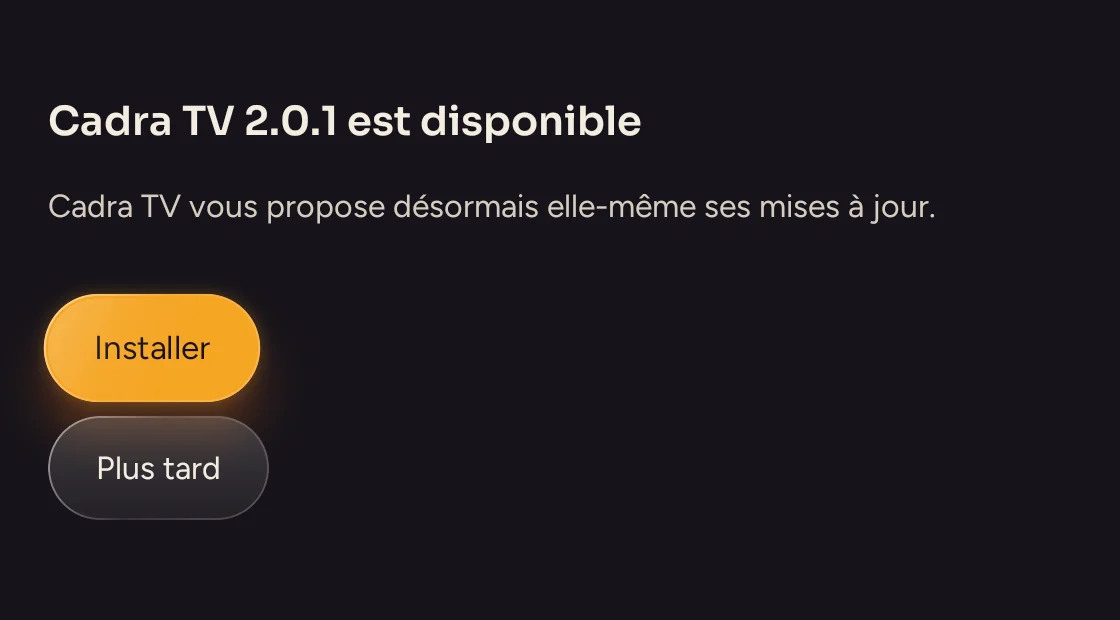
Cadra TV offers new versions itself when it starts. You can also repeat steps 4 and 5: the new version installs over the old one, and your sources, favorites and history are kept.
Having trouble?
Common problems are solved in the FAQ. Do you have a Fire TV? Follow the Fire TV guide instead.