 cadraTV
Install on Fire TV
Cadra TV installs with the free Downloader app and takes about five minutes.
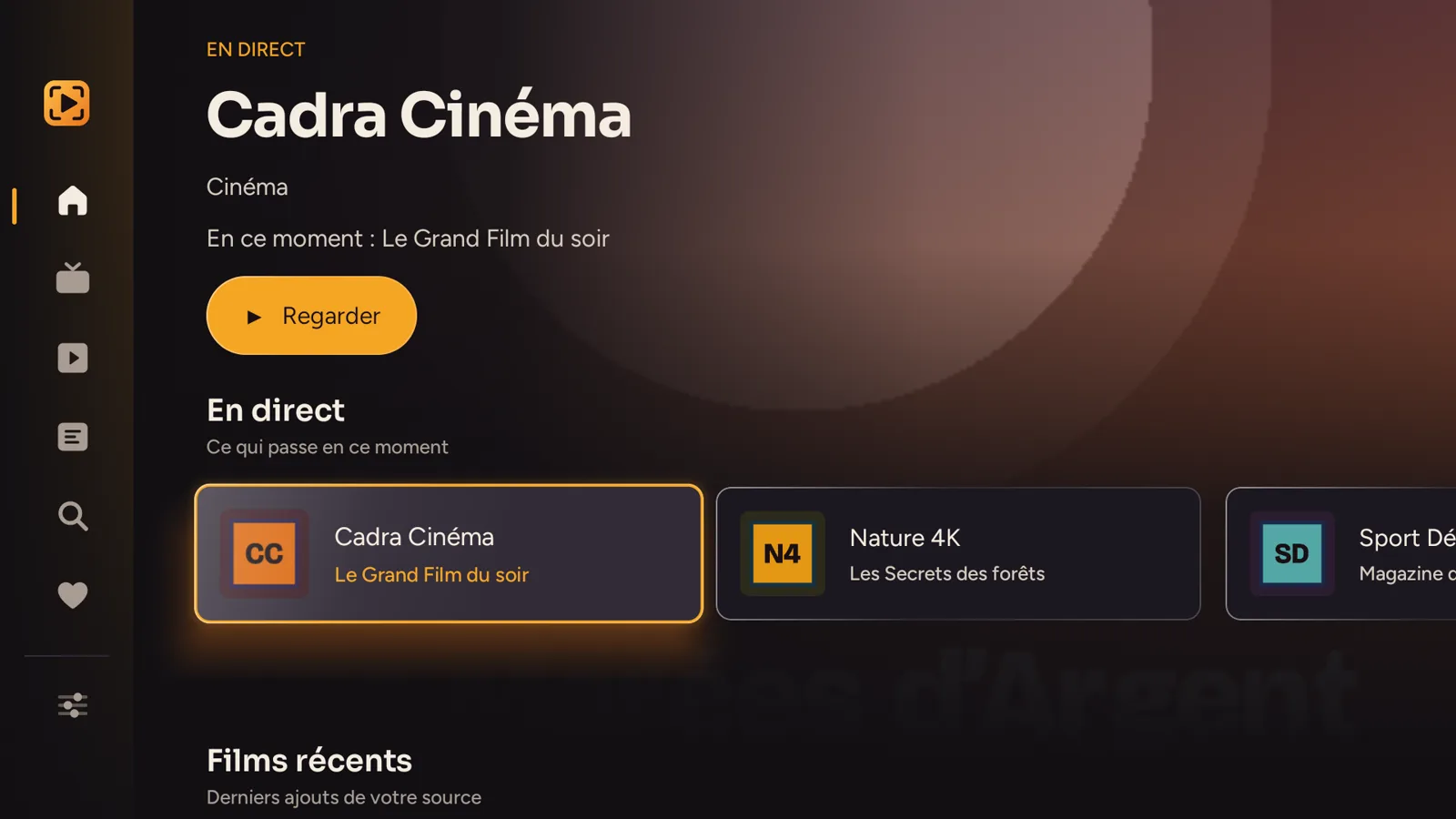
Install Downloader
On the Fire TV home screen, open Search, type Downloader and install the orange app by AFTVnews. It is free.
Turn on developer mode
Go to Settings → My Fire TV → About, select your device name and press OK seven times. The message “You are now a developer” appears.
Allow Downloader
Go back to My Fire TV → Developer Options → Install unknown apps and turn on Downloader.
Download Cadra TV
Open Downloader, select the address bar and type: cadra.tv/apk then Go. The download starts.
Install and open
Choose Install, then Open. Downloader then offers to delete the installation file: you can accept, the app stays installed.
Add your source
The easiest way: enter it on your phone or computer at cadra.tv/compte, then link the TV with a QR code (see the tutorial). You can also enter it directly in Cadra TV Settings.
Tip. To find Cadra TV faster, hold the Home button on the remote, choose Apps, then move Cadra TV to the top of the list.
Installed? Follow the Getting started on TV tutorial: add your source without typing, find your way around, the guide and multiview. An M3U playlist to add? See play an M3U playlist on Fire TV.
Updating
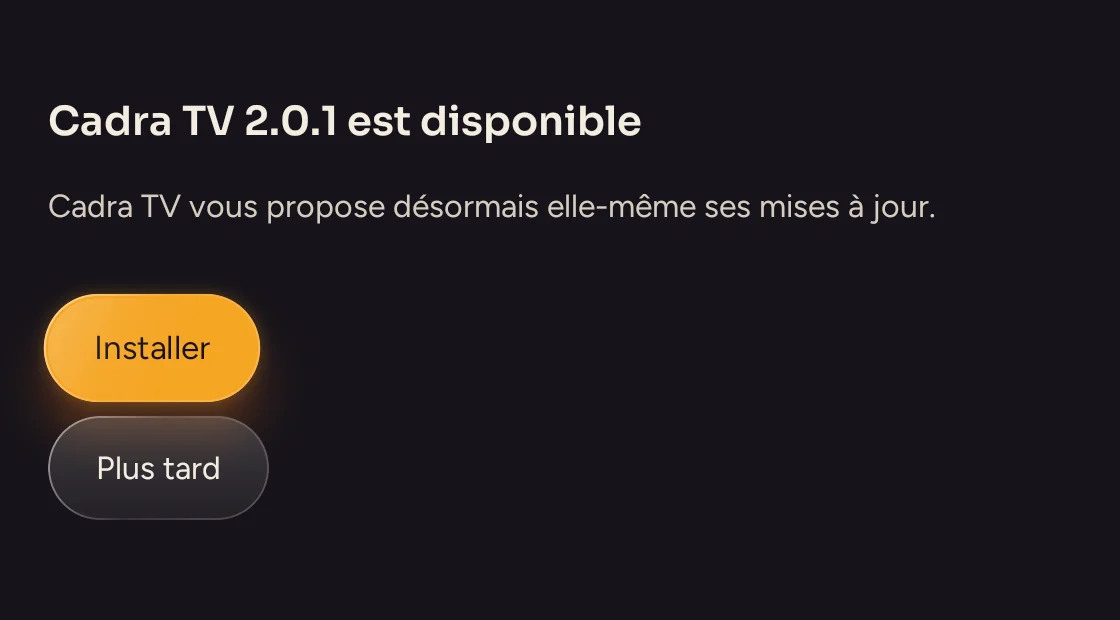
When it starts, Cadra TV offers each new version itself: choose Install, then confirm. You can also repeat steps 4 and 5: the new version installs over the old one, and your sources, favorites and history are kept.
Having trouble?
Common problems are solved in the FAQ. Do you have an Android TV or Google TV television? Follow the Android TV guide instead.