 cadraTV
Cadra TV or VLC on Fire TV?
VLC is a great universal player. Cadra TV does a narrower job: playing your channels, movies and series from the remote. Here is how to choose.
Two tools, two jobs
VLC is a general-purpose, free and open-source player: it opens almost any file or stream. Cadra TV is free too, with no ads, but it is built around a source (an M3U playlist or an Xtream Codes account) and what you do with it in front of a TV.
Neither provides content: you use them with your own sources, and only with sources you have the right to watch.
What Cadra TV adds
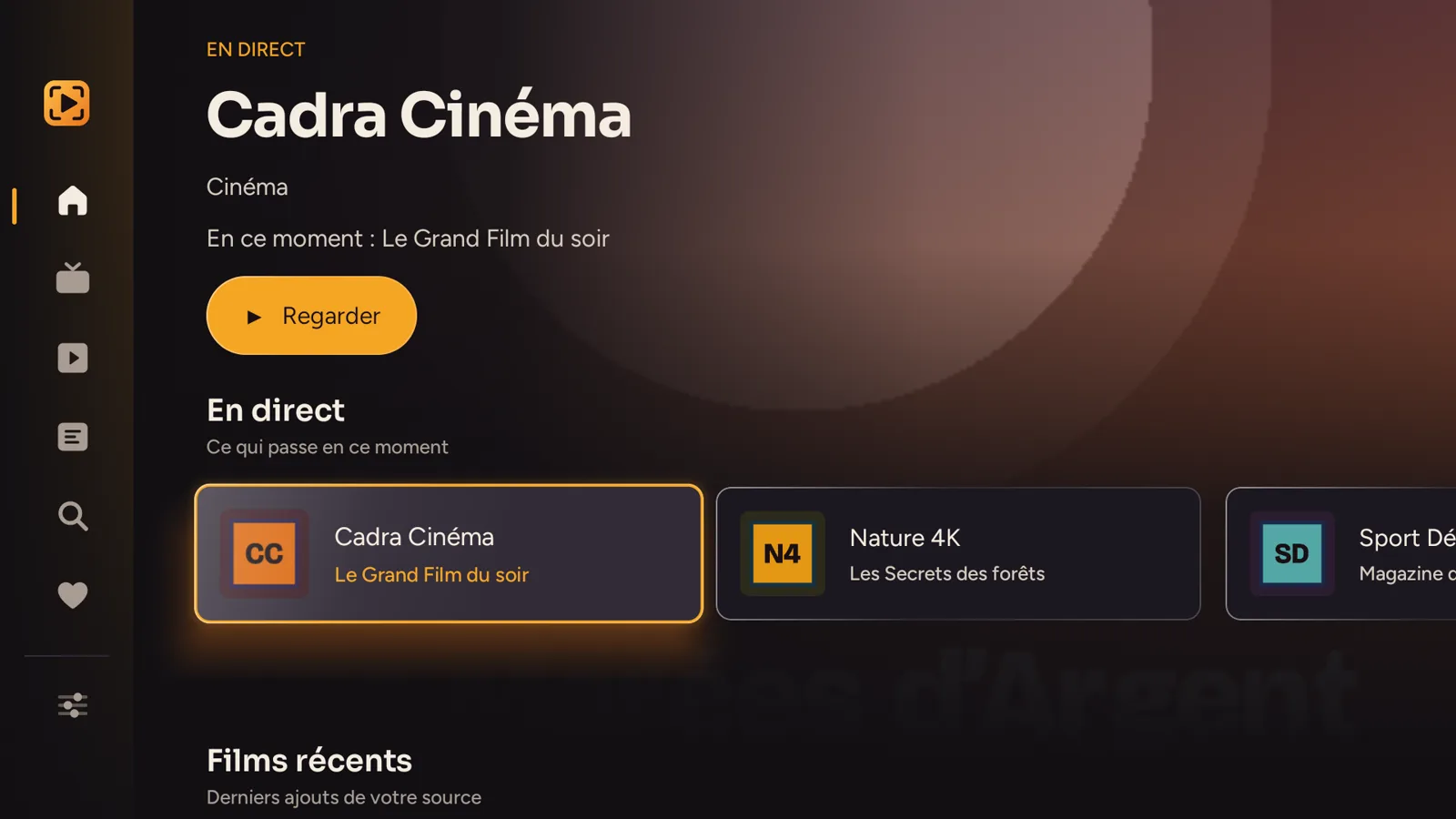
- A home screen designed for the remote: live channels, movies and series laid out with their posters, search.
- The program guide: what is on now and what comes next, with reminders. See add an XMLTV guide.
- Multiview: up to four channels at once, the sound following the selected picture.
- Favorites, resume and "watched": a movie or episode you stopped picks up where you left off, and the series moves on to the next episode.
- The Kids profile with a PIN code and chosen categories.
- An optional Cadra Account: your sources, favorites and progress follow you from one device to the next, end-to-end encrypted.
- All your screens: Fire TV, Android TV and Windows, with the same sources thanks to the Cadra Account.
When to keep VLC
- To play a single video file, local or on your network.
- To open a single stream whose address you know.
- For occasional use, with no catalog to organize.
VLC is not designed around a channel list, a program guide or resuming from one device to another: that is where Cadra TV takes over.
The two complement each other
Nothing forces you to choose: a channel that won't start in Cadra TV can be tried in VLC. If it works in neither, the problem usually comes from your provider.
Install Cadra TV
For now, Cadra TV is not on the Amazon Appstore: it installs with the free Downloader app, in five minutes. The Fire TV guide details each step, and play an M3U playlist on Fire TV shows how to add your source afterwards.